MuJoCo
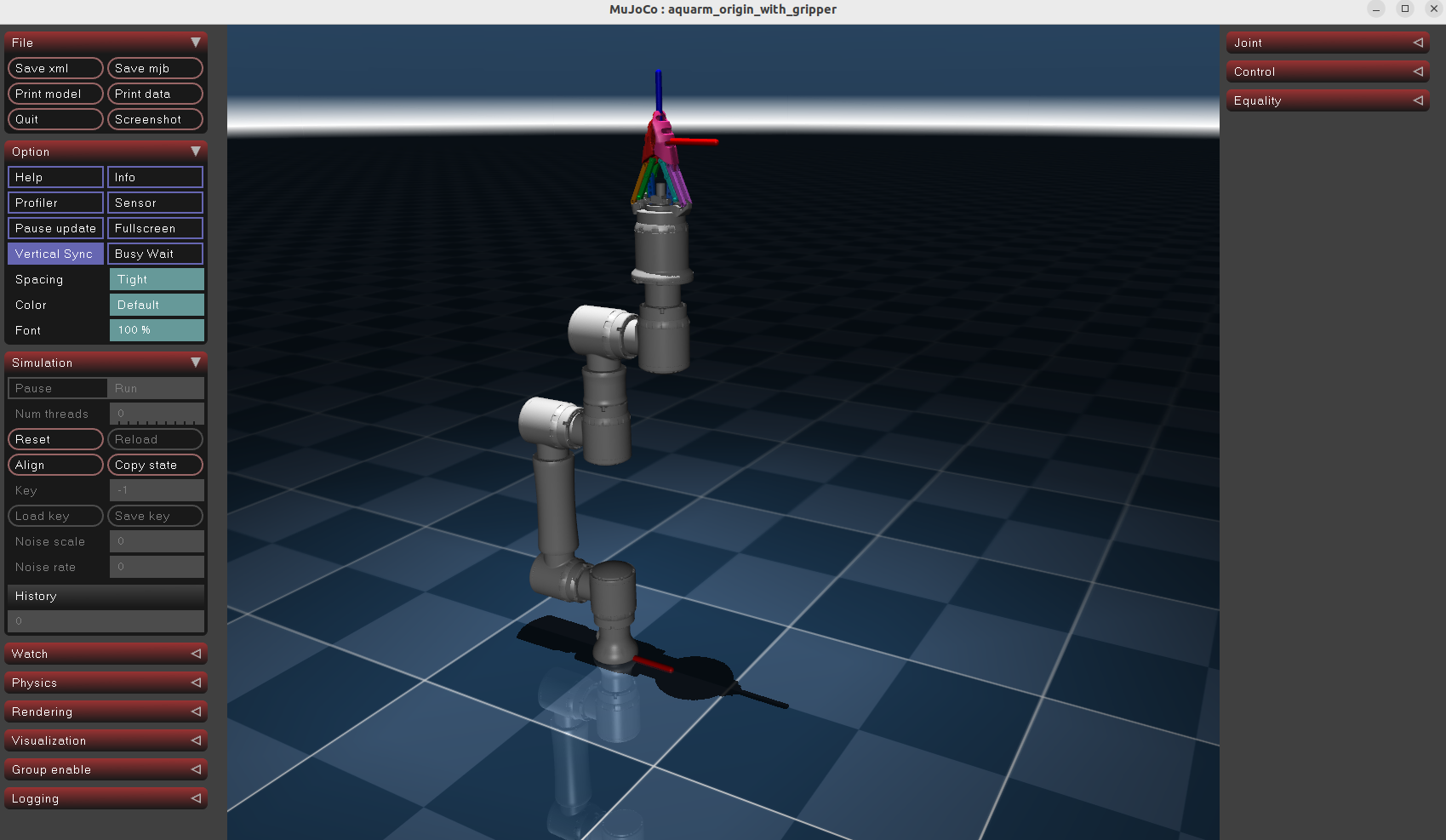
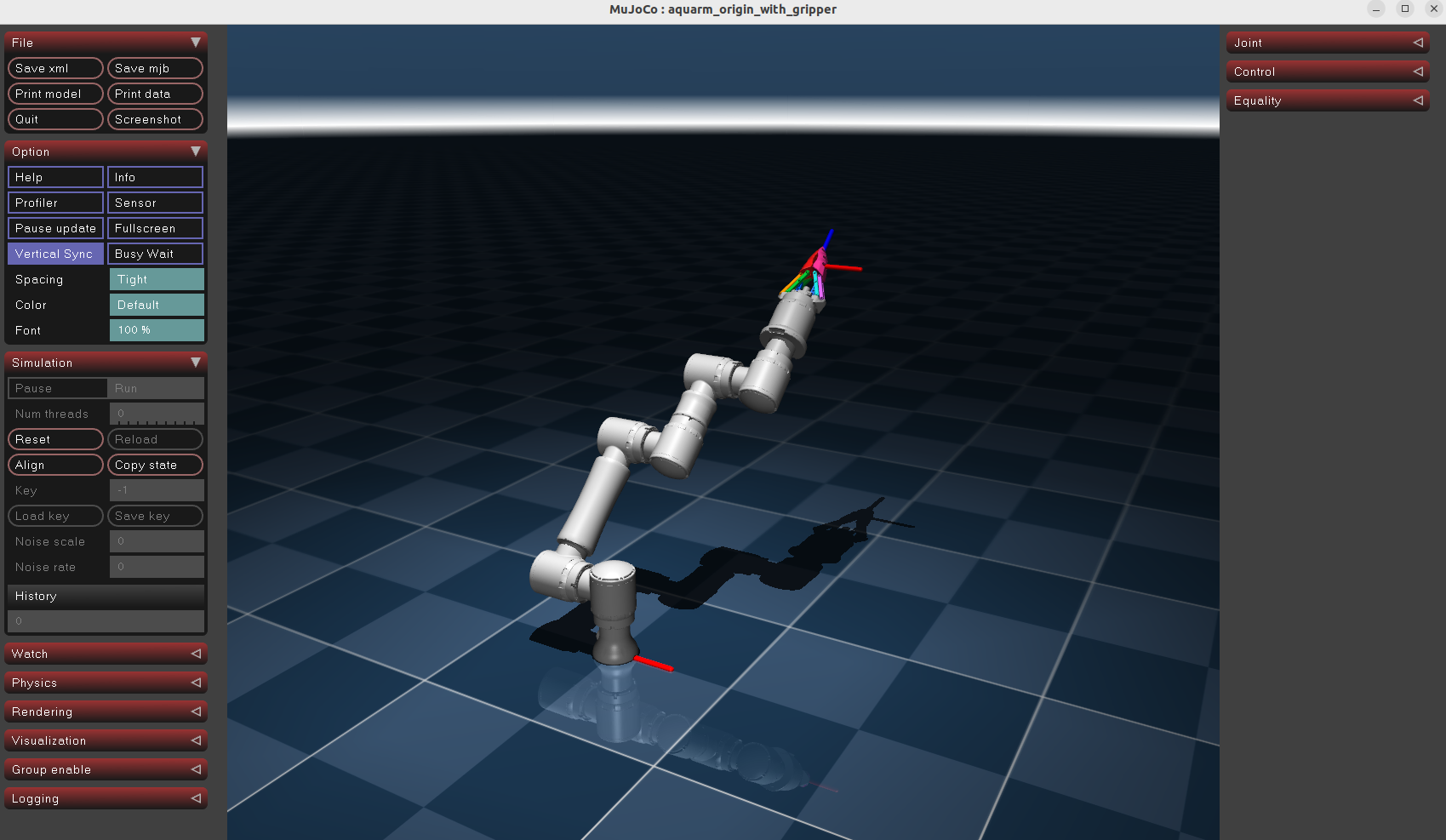
The AQUARM SDK includes a standalone MuJoCo simulator for the arm and gripper. It loads simulator/MuJoCo/aquarm_origin_with_gripper.xml and runs locally with the MuJoCo viewer.
Install and Run
From a terminal with a graphical desktop available:
git clone https://github.com/kalman-kr/aquarm_sdk.git
cd aquarm_sdk
python3 -m venv .venv
source .venv/bin/activate
python -m pip install mujoco
python simulator/MuJoCo/simulate_aquarm.py
If you already have a checkout, start from its root and use the environment setup and simulator commands above.
Control the Model
Open the viewer's Control panel and adjust the actuator sliders to set arm joint targets in radians and the gripper command. The script initializes the gripper command to 0.0 and advances the simulation at the timestep defined in the MJCF model.
The supplied script uses MuJoCo directly and does not publish or subscribe to ROS 2 topics.
Use Another MJCF Model
Pass an optional XML path to the script:
python simulator/MuJoCo/simulate_aquarm.py /absolute/path/to/model.xmlRelative XML paths are resolved from simulator/MuJoCo/.
Screenshots
For the standalone URDF/Xacro models and ROS 2 viewers, see AQUARM Description and the ROS guide.